Stream videos, music, and photos from your phone to any JVC smart TV. Works with JVC Android TV, JVC Roku TV, and DLNA-compatible JVC models. No dongles, no extra apps — just big-screen entertainment from a trusted brand.
JVC ships TVs with different platforms across regions. LocalCast works with all of them: Android TV and Google TV models via Chromecast built-in, Roku TV via the Roku protocol, and older models via DLNA. One app handles every JVC model.
JVC smart TVs support DLNA or Chromecast built-in depending on the model. LocalCast streams directly from your phone to the TV over your local network. No extra dongle, no additional hardware required.
JVC delivers reliable 32”, 43”, 50”, 55”, and 65” screens with excellent picture quality at competitive prices. LocalCast lets you fill every inch of that display with your own content for free.
From the compact JVC LT series to the premium 4K QLED models, LocalCast supports every JVC TV lineup across all regions. QLED, UHD, or HD — it all works the same way.
Download LocalCast free from the Google Play Store or Apple App Store. No account or sign-up needed.
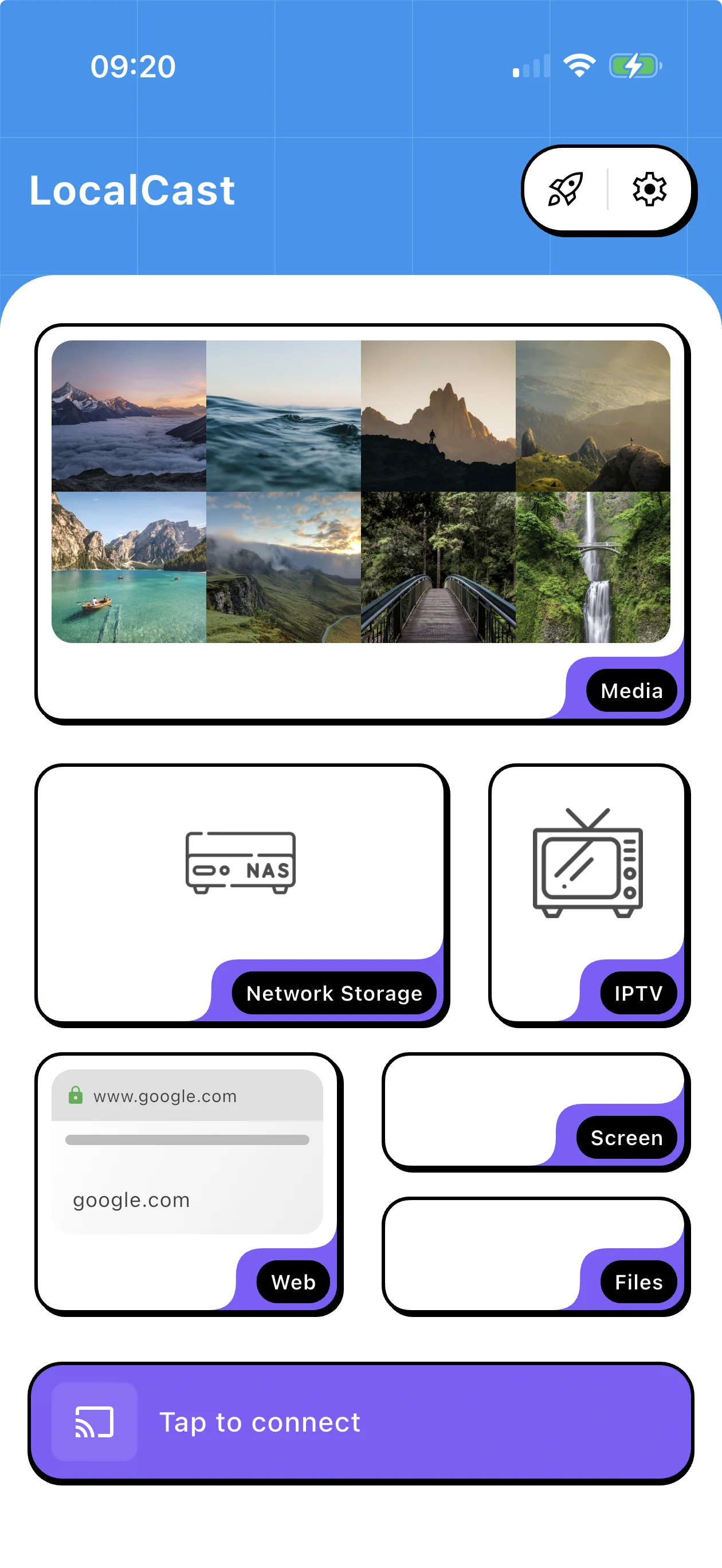
Pick a video, photo, or music file from your phone storage, cloud drive, NAS, or find a video with the built-in web browser.
Tap the cast button and choose your JVC TV. LocalCast detects Android TV, Roku TV, and DLNA-compatible JVC models automatically on your network.
Roku TV & Google TV models
Tizen direct DLNA casting
WebOS direct streaming
All Roku players & TVs
Every Chromecast generation
Native Cast protocol
Universal smart TV guide
Fire Stick & Cube
UPnP device streaming
Universal casting guide
Ultra HD streaming
VIDAA & Roku TV models
Install LocalCast free on Android or iOS and make sure your phone and JVC TV are on the same Wi-Fi network. Open LocalCast, choose a video, photo, or music file, tap the cast icon, and select your JVC TV. It works automatically whether your JVC runs Android TV, Roku TV, or a DLNA-compatible system.
Yes. JVC Android TV models include Chromecast built-in, making them fully compatible with LocalCast. Just make sure both devices are on the same Wi-Fi network and your JVC TV will appear automatically in the cast device list.
Absolutely. LocalCast streams at the full resolution of your source file. If you have a JVC 4K UHD or QLED model, your content will play at full 4K resolution. HDR content is also supported on compatible JVC models.
No. JVC smart TVs have built-in network streaming support through Android TV, Roku, or DLNA. LocalCast detects and connects to all of them without any extra hardware.
Join 50 million users who chose the smarter way to stream. Free on Android and iOS.